Estimated reading time: 10 minutes
Key Takeaways
- Project tracking acts as a safety net for outsourced work, catching small problems before they snowball.
- Real-time dashboards align globally distributed teams around the same truth at the same moment.
- Track scope, schedule, cost, resources, risks and quality with time and expense data to keep budgets honest.
- Choose visual tools intentionally: Gantt charts, Kanban boards, Scrum boards, timeline views and project dashboards.
- Select software with unified data, real-time tracking, built-in time and expense tracking, and strong analytics.
- Apply a seven-step rollout to baseline, instrument, automate, assign ownership and continuously improve.
- Disciplined tracking delivers measurable ROI through fewer overruns, faster delivery and healthier vendor relationships.
Table of contents
Meta description Project tracking keeps outsourced projects on time and on budget. Discover how real-time dashboards and integrated software cut risk, lift daily efficiency and boost ROI for globally distributed BPO teams.
1. Introduction , Why Project Tracking Matters Now
Project tracking is the safety net that stops outsourced work from slipping through the cracks. Many leaders only spot a cost overrun or schedule delay when the deadline is already missed. With fast-moving, distributed teams, you need real-time tracking to catch small problems before they snowball.
Project tracking means watching tasks, time, cost and people day by day. Modern systems pull live updates into shared project dashboards so every partner sees the same truth at the same moment. The result is faster fixes and fewer surprises.
Good data plus quick action equals better projects.
In this article you will learn:
- What project tracking really is.
- The unique hurdles of outsourcing.
- Which dimensions to measure.
- How to select Gantt charts, Kanban boards or other views.
- Key features to seek in project tracking software.
- A clear seven-step rollout plan.
- Best practices, ROI data and quick FAQs.
2. What Exactly Is Project Tracking? (Definition & Purpose)
Keyword heading: Project Tracking Definition & Reporting Analytics
Project tracking is the continuous process of collecting, measuring and sharing information on task completion, schedule variance, cost variance and risks so that corrective action can be taken. In plain terms, you watch what was planned, what has really happened, and how far the two numbers drift.
Progress tracking focuses on percent complete and milestone health. Timeline views let you scroll across weeks or months to notice late starts early. Reporting analytics go deeper. Dashboards can compare earned value to planned value, flagging a slipping trend line long before the deadline is missed.
Why bother?
- Variance control: spot schedule variance (SV) and cost variance (CV).
- Earned value analysis: relate effort spent to real output gained.
- Milestone validation: confirm that each phase finishes ready for the next.
According to a 2023 Tempo study, teams that practised daily project tracking reduced average schedule slippage by 18 per cent. In short, good data plus quick action equals better projects.
3. Outsourcing/BPO Context: Unique Tracking Challenges
Keyword heading: Project Tracking Challenges in BPO , Time Tracking & Resource Allocation
Outsourcing adds extra knots to unpick. Teams often sit in three or more time zones, so updates land while others sleep. Without accurate time tracking, managers do not know which eight hours a day were really spent on the task.
Service Level Agreements (SLAs) bring penalties if delivery is late or if costs drift. Precise expense tracking is essential when invoices span currencies, tax rules and vendor mark-ups.
Cultural gaps can blur the meaning of “done”. Automatic, real-time tracking alerts help everyone share one definition. Use straightforward traffic-light rules: green for on track, amber for risk, red for delay.
Key outsourcing metrics
- Schedule adherence percentage for each vendor.
- Cost Performance Index (CPI) for the whole contract.
- Utilisation rate to tune resource allocation.
The PMI outsourcing model splits work into define, design, develop and deliver phases. Real-time tracking provides feedback loops at each stage. For example, during “develop”, progress charts reveal feature creep early; in “deliver”, expense tracking validates hand-over invoices. By tying live numbers to each phase, leaders keep projects tight despite distance and difference.
4. Core Dimensions & Components to Track
Keyword heading: Progress Tracking, Time Tracking & Project Budgeting
Every outsourced project can be boiled down to six dimensions: scope, schedule, cost, resources, risks and quality. Tracking each one in detail keeps surprises small.
Schedule
- Planned versus actual start and finish dates.
- Milestone variance in days.
- Critical path slack.
Cost
- Cumulative expense tracking for labour, licences and travel.
- Cost variance (CV) to show overspend early.
- Burn tracking: actual cost (AC) plotted against budget at completion (BAC).
Resources
- Full-time equivalents (FTEs) booked on the work.
- Skill mix balance, for example testers versus developers.
- Capacity utilisation for sharper resource allocation.
Time tracking is the glue. Timesheets feed both progress tracking and cost accuracy. Without real hours, you cannot trust burn numbers. Expense tracking then reconciles supplier invoices to those hours, closing the loop.
Finally, all streams roll into project budgeting. The budget is not a single figure you check once a quarter. It is a living model updated by daily scope shifts, weekly time logs and monthly expense claims. With that live view, a five-per-cent drift never has the chance to grow into a fifty-per-cent disaster.
5. Visualisation Tools: Choosing the Right Board or Chart
Keyword heading: Gantt Charts, Kanban Boards & Project Dashboards
Different projects need different windows. Pick the view that makes problems jump out fast.
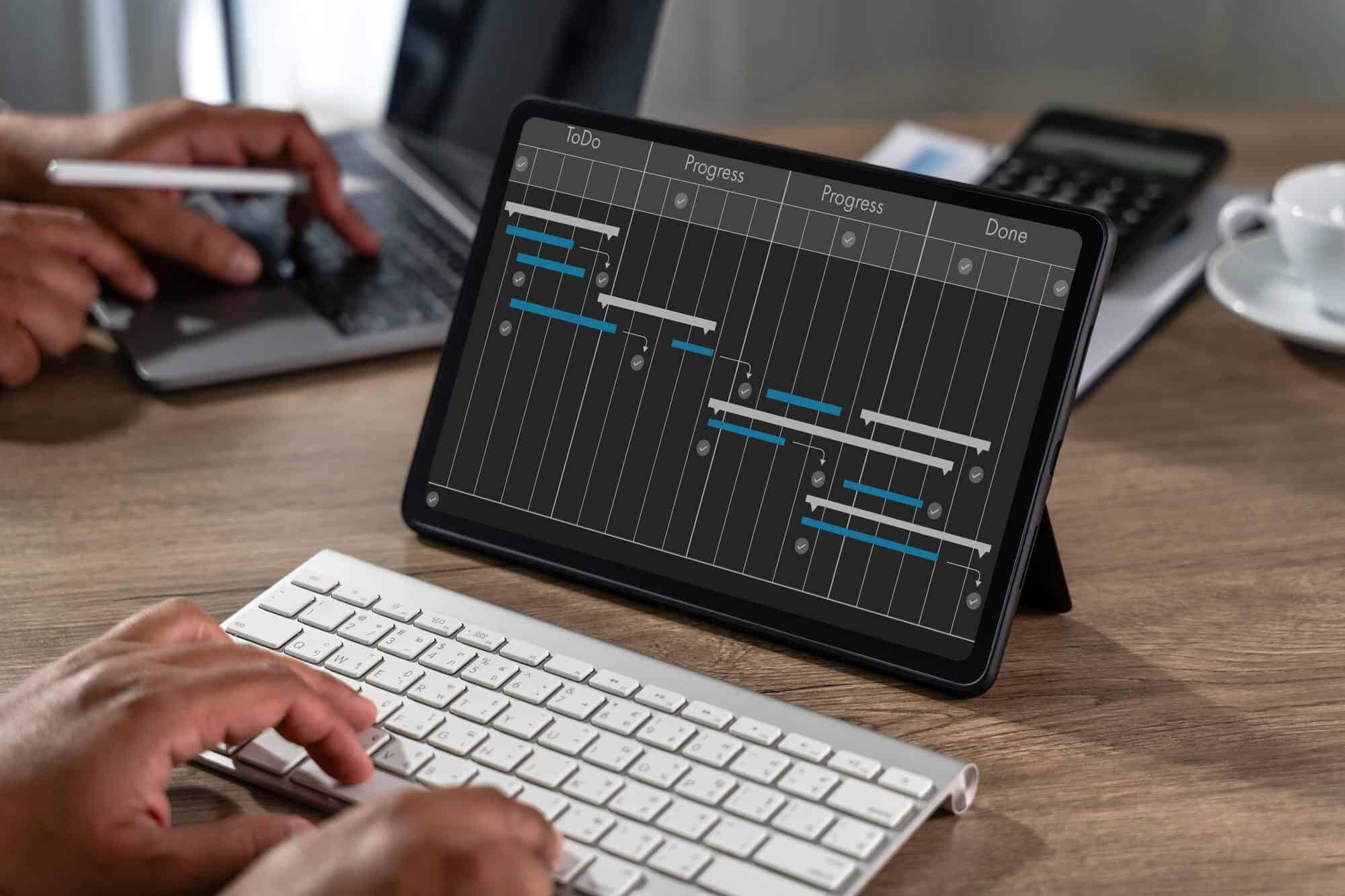
Gantt charts
- Suited to waterfall or phase-based contracts.
- Show dependencies and critical path clearly.
- Executives like printable timeline views for steering meetings.
Kanban boards
- Pull-based, continuous flow.
- Ideal for BPO ticket queues such as help-desk tasks.
- Columns such as “To Do, In Progress, QA, Done” keep everyone aligned.
Scrum boards
- Sprint-based for agile software outsourcing.
- Story points help forecast velocity.
- Daily stand-ups revolve around the board.
Task boards (generic)
- Lightweight lists used in tools like Trello.
- Helpful for mixed teams with straightforward workflows.
Timeline views
- Zoomed-out lens for quarter or year plans.
- Can overlay resource loading and holidays.
Project dashboards
- Aggregate many widgets: burn tracking, CPI gauges, risk heat maps.
- Traffic-light colours give at-a-glance health.
Mini case: A Filipino call centre moved its weekly call-script updates onto a Kanban board. By limiting work in progress to five cards per agent, the team cut average turnaround time from four days to two. The right board unlocked hidden capacity.
6. What to Look for in Project Tracking Software
Keyword heading: Project Tracking Software & Real-Time Tracking Features
Before you sign a licence, check the tool against this eight-point list:
- Unified data hub, ditch scattered spreadsheets.
- Real-time tracking that refreshes at least every minute.
- Built-in time tracking with clock-in/out and billable flags.
- Expense tracking linked to purchase order and invoice workflow.
- Burn tracking widget that compares Actual Cost (AC) to Budget at Completion (BAC).
- Customisable timeline views with Gantt export.
- Reporting analytics featuring drill-down by team, sprint or cost centre.
- Role-based security so external vendors see only what they should.
Integration matters. Look for open APIs or straightforward CSV import and export with payroll, ERP and ticketing tools. According to TrackingTime, teams using integrated project tracking software save up to 20 per cent in administration hours because data moves automatically instead of by copy-and-paste.
7. Step-by-Step Framework to Implement Effective Tracking
Keyword heading: Project Tracking Roll-Out , Progress & Time Tracking
Follow this seven-step roadmap to avoid common roll-out pain:
- Establish a baseline
Freeze approved scope, WBS and budget ceiling. - Select the right KPIs
Schedule variance (SV), Cost Performance Index (CPI), defect density. - Configure dashboards
Set user roles, alerts and view permissions. - Automate data capture
Sync time tracking apps, pull expense feeds, link Git commits for development tasks. - Assign ownership
Decide who approves timesheets and who updates resource allocation every week. - Run weekly reviews
Use project dashboards to spot red flags early; raise change requests quickly. - Continuous improvement
Hold a retrospective after every milestone. Adjust tracking granularity or alert rules.
Change management tips
- Train remote staff with short SOP videos.
- Provide cheat-sheets in local languages when needed.
- Celebrate the first month of clean data to reinforce habits.
This steady path turns a blank tool into a living heartbeat for the project.
8. Best Practices for Collaboration & Stakeholder Communication
Keyword heading: Project Dashboards, Real-Time Tracking & Kanban Boards
Visibility builds trust. Keep project dashboards open to all suppliers and clients so everyone shares one source of truth.
- Traffic-light icons plus a one-line comment translate numbers into a clear story.
- Schedule a daily “golden hour” when time zones overlap. Review Kanban boards while everyone is online.
- Use real-time tracking alerts that push to Slack, Teams or WhatsApp the moment a KPI breaches its threshold.
- Export weekly reporting analytics and send a concise PDF to senior sponsors who do not log into the tool.
When communication flows this smoothly, decisions speed up and blame games fade away.
9. Measuring Success: ROI & Productivity Gains
Keyword heading: Progress Tracking, Burn Tracking & Project Budgeting ROI
ROI = (Benefits – Cost of Tracking) / Cost of Tracking. That formula is simple; proving the numbers needs clean data.
A Netsuite study found that outsourced projects using disciplined progress tracking delivered 15 per cent faster and 12 per cent under budget compared with loose-tracking peers.
Example calculation
- Cost of tracking: £35 000 software + £15 000 training = £50 000.
- Benefits: £120 000 saved in avoided overruns and penalty fees.
- ROI: (£120 000 – £50 000) / £50 000 = 1.4, or 140 per cent.
Beyond pounds and pence, strong burn tracking improves vendor relationships. When both sides see the same trending line, they fix scope creep together instead of arguing later. That joint win leads to repeat business and smoother future engagements.
10. Conclusion & Action Steps
Keyword heading: Project Tracking & Project Tracking Software
Project tracking, powered by real-time tracking and clear dashboards, turns outsourcing from a gamble into a governed process. Start by auditing how you currently log time, cost and progress. Short-list project tracking software that meets the eight must-have features, then pilot it on one outsourced project.
Small, steady data wins beat giant rescue plans every time.
Ready to begin? Download our free comparison checklist or contact our consultancy for a tailored demo.
FAQ
How often should I update my Gantt chart?
Use real-time tracking where possible so Gantt charts refresh automatically. If your tool lacks auto-sync, update at the close of every working day. Daily updates keep the critical path honest and stop small slips from hiding.
Can time tracking feel intrusive to staff?
Yes, if done poorly. Make time tracking lightweight, with start/stop buttons and clear privacy rules. Explain that progress tracking needs accurate hours to forecast workload and prevent burnout. When staff see overtime fall because data is trusted, resistance fades.
What is burn tracking versus budget tracking?
Budget tracking shows planned spend versus actual spend. Burn tracking adds velocity: it charts how fast you are consuming the budget over time. By comparing Actual Cost (AC) against a burn curve, you spot overspend weeks earlier than a static budget check.